symptom
A Wolf oven that won't turn on: the breaker, lockouts, outages and a dead display
How to wake a silent Wolf oven: cycle the breaker for 30 seconds, rule out demo mode, the 12-hour shut-off and outage lockouts, then know when a dark display means a failed control part.
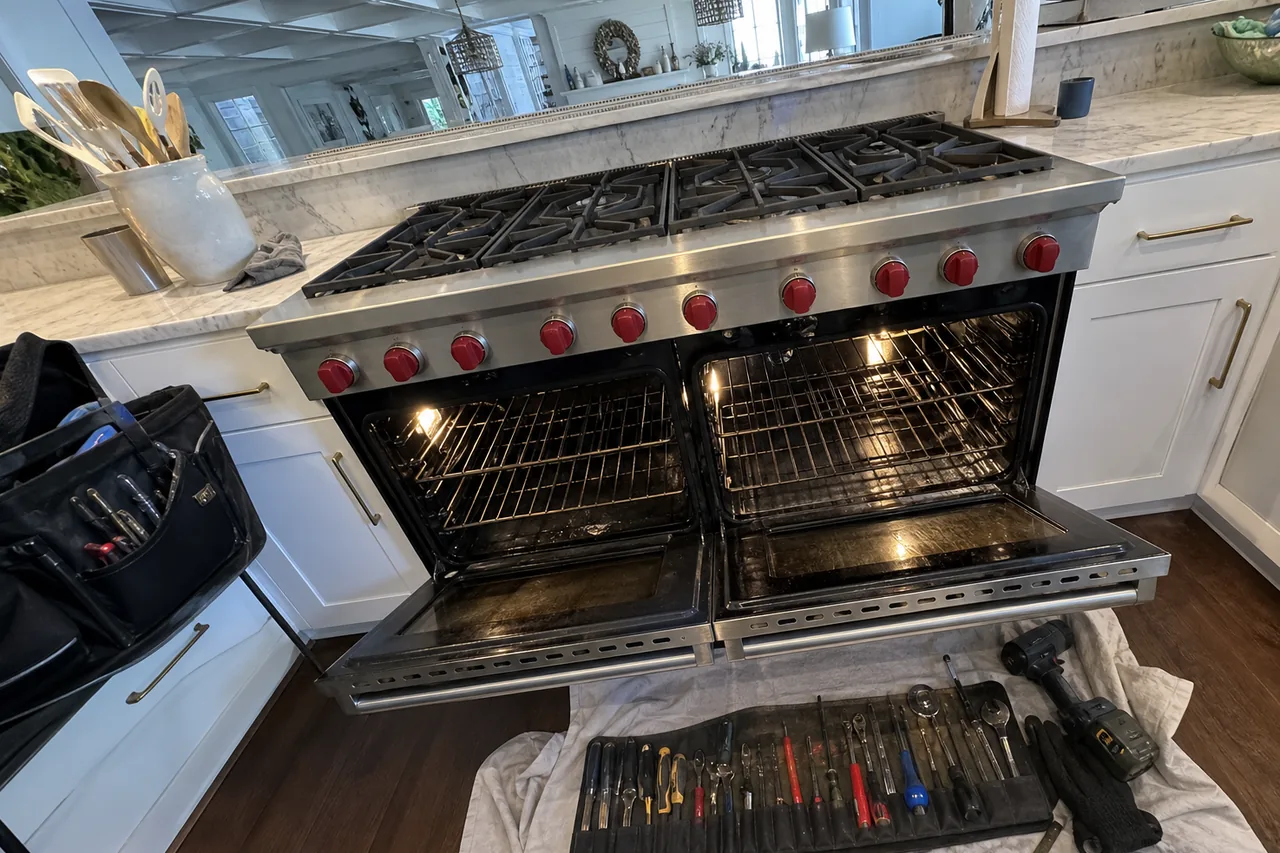
When a Wolf oven won’t turn on, go to the electrical panel before anything else. Find the breaker for the oven or range, push it all the way off, wait 30 seconds, then switch it back on. That pause lets the control board power down completely, which often revives a blank or frozen display. If the screen wakes but the oven still refuses to heat, a setting is usually holding it back: a demonstration mode, a control lock or the automatic shut-off. If the display stays completely dark with the breaker on, the likely culprit is a failed control part or a fault in the supply, and that is a job for a technician with a meter.
Start with the breaker, and look at it closely
Wolf wall ovens and the ovens on dual fuel ranges each expect a dedicated 240/208-volt circuit of their own. An E Series single wall oven sits on a 30 amp breaker, while the double version calls for 50 amps. In most panels that is a double-wide breaker.
A tripped breaker does not always look off. It can rest in a middle position that is easy to miss, so press the handle firmly to the off side before turning it back on. Wolf leans on this same 30-second breaker cycle in its own advice for an oven that clicks loudly and repeatedly, and for a door-lock message after self-clean, so it is a safe first move.
If the breaker snaps off again the moment you reset it, or within a few minutes, leave it off. A breaker that refuses to hold is protecting the house from a short somewhere in the oven or its wiring, and forcing it back on only adds heat to whatever is failing.
After a storm, a flicker or an outage
Summer afternoon thunderstorms across St. Johns County bring plenty of brief power drops, and electronic oven controls can come back from them confused rather than broken. A breaker cycle is the right reset here too.
Gas range owners should know one Wolf rule for outages: the oven’s igniter runs on electricity, so the oven cannot be lit by hand. Wolf says to turn the gas oven off whenever the power goes out; only the surface burners may be lit with a match until it returns. Once power is back, switch the oven off and start it fresh instead of expecting it to pick up where it stopped.
On an M Series oven, the code 3C20 means the oven sensed high input voltage. Wolf gives owners no troubleshooting steps for that one beyond scheduling service, so write the code down and book a visit. Damage that surfaces weeks later is covered in our note on the fault that arrives after the storm.
The display works but the oven won’t
A lit screen sitting over a cold oven is a different problem from a dead one, and it is often a setting:
- Automatic shut-off. An E Series oven switches itself off after 12 hours of continuous use, unless it is running Dehydration or Sabbath. If a long, slow cook stopped on its own, simply turn the oven back on.
- Demonstration mode. On a Wolf speed oven, demo mode lets the touch controls respond while sending no power to the oven at all. To leave it, touch Settings five times, press 6, then hold Start until DEMO OFF shows. It is meant for showroom floors but can be switched on by accident.
- Control lock. A keypad locked for cleaning or to keep small hands away will ignore every press until the lock is released. The use and care guide for your model shows the steps.
- A door message after self-clean. If an M Series oven shows Lower Door Open or Unlocked in Clean, turn the home breaker off for 30 seconds, restore it and try again before calling anyone.
If a gas oven’s display and lights work but no flame ever appears, the igniter is the usual suspect, and our page on an oven that is not heating narrows that down.
When a dark display means a failed part
Once the breaker is on and holding and the oven still shows nothing at all, the owner checks are finished. There are 240 volts behind those panels, so leave the covers on.
A technician begins by measuring voltage where the supply enters the oven. If both legs arrive correctly, the search moves inward to the control board, the touch panel and the wiring between them; on many ovens a thermal cutout that opened after severe overheating can also leave the controls without power. If the supply is wrong, the oven itself may be fine and an electrician is the right call. A scorched smell, a browned wire at the terminal block or a breaker that keeps tripping all point toward a wiring fault rather than the controls.
What a repair usually involves
The diagnostic visit is $80. Replacing a failed control board or touch panel typically runs $420–$1,100, with the firm number given after the diagnosis pins it down. A gas oven that has power but no flame more often needs an igniter, typically $190–$500, again confirmed on site.
Before the visit, jot down the model and serial numbers from the rating plate, whether a storm or outage came first, what the display showed, and whether the breaker had tripped. Those details shorten the diagnosis. For built-in ovens, see our wall oven repair page; for ranges, our range repair page.